How to track a data request to the map with AI
One question became a data request for each county, each one listing the towns still left to check.

Denielle Abaquita
Tracking a data request means seeing three things while you wait: which sources are done, which are still being collected, and whether anything is needed from you. A useful request page shows all three on one screen, source by source, and opens each finished dataset on a map. An AI assistant such as Claude or ChatGPT can read that progress and query each dataset as it lands, but it cannot collect dozens of local records over several days and keep track of them on its own.
A site-selection team needed to know which municipalities across several counties had no moratorium on industrial development. Nobody publishes that as a list, so it had to be assembled from each city's and county's own records. We wrote up what they found in how to track data center moratoriums. This post covers the part in between: how you follow a request like that while it runs, and how the result reaches a map.
The problem: commissioned data is a black box until it arrives
When the data you need does not exist as a dataset, you commission it. You ask an analyst, a consultant, or a data vendor's custom research desk, and then you wait.
For that question, the work was 41 cities and towns plus the counties around them, each with its own records portal, agendas, and clerk. Some towns post their ordinances online. Others answer a records request when the clerk gets to it. The finished answer depends on the slowest of those places.
Commissioned research tends to report progress in a status email or a weekly call. What you want to know is more specific: which towns are done, which are still being collected, whether anyone is waiting on you, and whether there is enough in hand to start working. If each of those takes a follow-up email, a week-long request turns into a week of chasing work you cannot see.
The result: every source in view, then the map
The team filed the question, and about a week later the research finished. Today that request reads on one page, top to bottom: the question as they typed it, how far it got, what was needed from them, a card for each county, and each finished dataset one click from the map.
The answer was clear about its limits. Of the 41 municipalities, 32 had no development moratorium on record when the research finished. The findings also named the small towns that had not been researched yet, so the team could see where the answer was still incomplete.
Why an AI assistant can't do this on its own
AI assistants like Claude and ChatGPT increasingly work as agents: you hand them a task in plain English and they research it and act on it. Once the records are in front of them, they read and compare them well.
A request like this one runs for days across dozens of sources, and some of those sources only answer an emailed records request. An assistant's session does not last that long, it cannot wait on a city clerk, and it keeps no record of which towns it already checked. Ask again tomorrow and it starts over, with no way to tell you what is done and what is left.
How it was done: Ploti
The team filed the question in Ploti, the real estate data layer for AI. When Ploti does not already have the data a question needs, it sources it as a data request: its data agents find the official source for each place, collect it, and compile one dataset that stays in Ploti for any AI agent to query.
The research request page follows that work from the question to the map. Here is how it reads.
The question, then four steps
At the top is the question exactly as it was typed. Under it are four steps: Checked your question, Gathering data, Researching, and Done. The check comes first: it looks at what Ploti already holds, lists it under "Already in Ploti", and files a data request for each missing piece. Here the missing piece was a ledger of local moratoriums, so it filed one data request per county.
The Gathering data step fills as sources finish. Once every requested dataset has arrived, the research runs by itself, and the Done step shows the answer.
One status line, and what is needed from you
While data is coming in, a single line counts the sources across the whole request: "Gathering data:" and how many of them are done. Under it, the page says whether a data request needs your answer or whether nothing is needed from you, and that you will get an email when the research is done. When the data in hand is enough for an early answer, the page offers one ("See a result today") alongside a note on what that data covers.
A card per data request, with each source by name
Below the status, under "Being gathered" ("Data gathered" once the research is complete), each data request gets a card. For this question that meant one card per county. Each card has a bar with one segment per source, colored by where it stands, a sentence counting the sources done, with first results, collecting, or not available, and the names of the towns that are not done yet.
Open a card and the county's own request page lists every source by name with one of four statuses: Done, First results, Collecting, or Not available. A town still waiting on its records shows up as a named row, so you can see what is left without asking anyone.
Datasets you can preview and open in the map
A source that has produced data opens a preview of it: the rows, with columns in plain words and web addresses as links. Dataset cards name the publisher when the catalog has one ("Your dataset · from" and the agency), so you can tell a county property appraiser's data from a city clerk's records at a glance.
"Open in map" puts the dataset on the map. For a table, it draws the rows that were placed on the map, so the data can sit next to parcels and zoning in the same view.
Home and the list show how far each request has got
You do not have to open each request to check on it. On the home page and the research requests list, every request has the same four-step bar and a line under it, such as "Gathering data" with its sources done, or "Complete" with the date it finished. A chip appears only when there is something to act on: "Needs your answer", "Early result available", or "Open result".
Collected once, kept for the next question
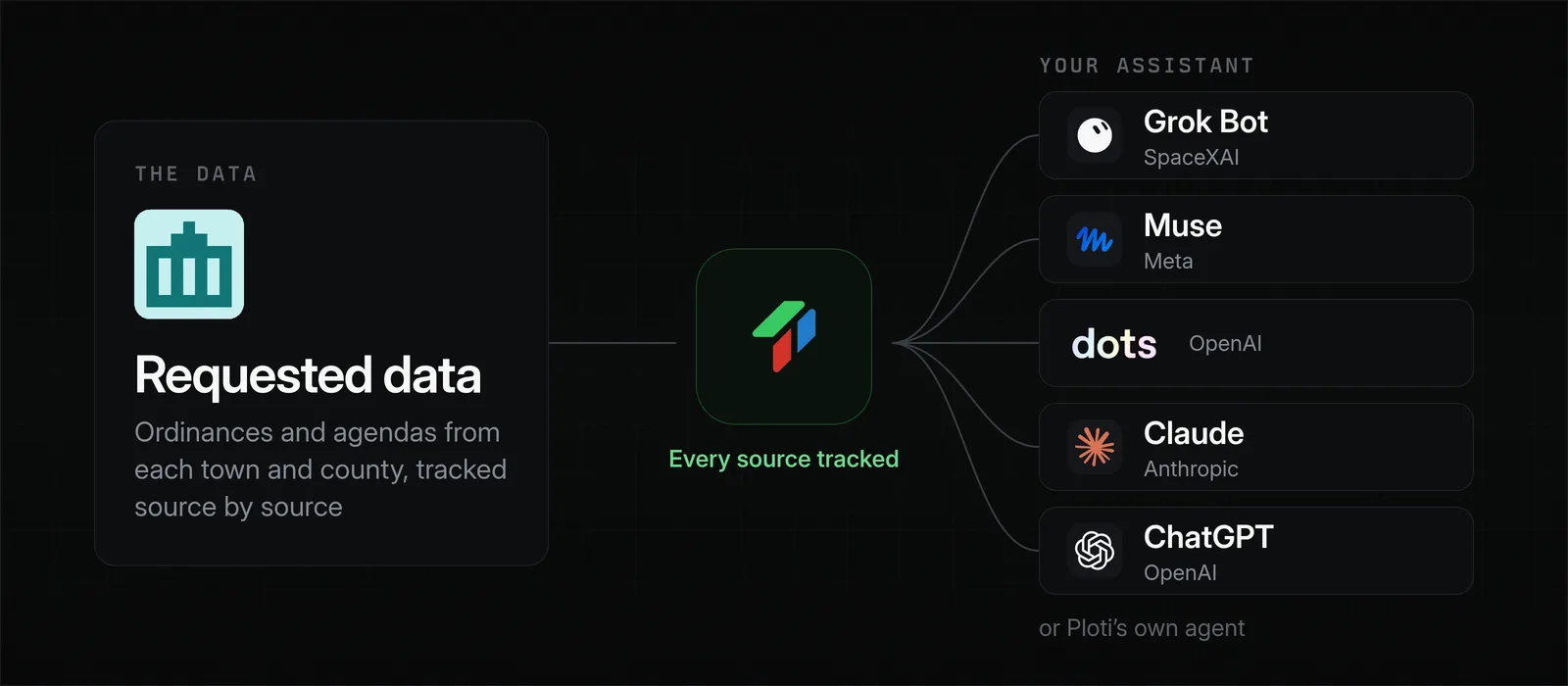
The collecting happens once. The county ledgers stay in Ploti, so the team's assistant can go back to all of them whenever a new site comes up, through an MCP connector in Claude or ChatGPT or through Ploti's own agent, and work with each whole ledger rather than only the part the first question needed. Each answer can be traced to the record it came from.
Small-town records portals are the kind of source that resists scripts, and Ploti's data agents also work through permit portals and meeting archives built the same way. When a town keeps its records offline, Ploti can email the town for them and manage the exchange, and that source stays on the list until the records come back.
Why not commission it from a data provider
Traditional real estate data providers rarely sell town-by-town records like these off the shelf. Custom research, where they offer it, usually comes through a contract negotiated with sales, priced for enterprise budgets that can reach the tens of thousands of dollars a year, with progress reported when the provider chooses to report it.
Ploti works differently:
- No contract. You sign up yourself and start with a 7-day trial.
- You pay for the counties you work in. Pricing starts at $50 per county a month, so four counties cost about $200 a month.
- Full access in your counties. Your assistant can query each delivered dataset in full, along with everything else in your coverage areas, with no seat or lookup caps.
- It builds up over time. Ploti keeps pulling data in your coverage areas on its own, so your next request often starts with more of the data already in place.
What else a visible request is good for
Seeing the request source by source changes how you plan around it:
- Starting early. When most sources are done, you can take the early result and begin screening while the last towns come in.
- Knowing where to look. A source marked Not available tells you which place needs a phone call or a different source, before the deadline rather than after it.
- Keeping the team in step. The page can be shared, so colleagues read the same status instead of asking you for it.
The same page follows any data request. A request for twenty years of rezoning votes reads the same way, and once a county's dataset is on the map, it can be layered with the zoning, parcels, and permits Ploti already maintains in that county.
Frequently asked questions
What is a data request?
A request for a dataset that nobody publishes in a ready-to-use form, such as town-by-town moratorium ordinances or a county's permit records. Each source has to be found, collected, and compiled into one dataset you can query and map.
How can I tell how far along a data request is?
In Ploti, the request page shows four steps, a count of the sources that are done, and each source by name with its status: Done, First results, Collecting, or Not available. The home page and the research requests list show the same progress for every request.
How long does a data request take?
It depends on how many sources it needs and whether they are online. A question covering 41 municipalities across several counties took about a week from filing to finished research.
Can my AI assistant check on a data request?
Yes. Through Ploti's MCP connector, Claude, ChatGPT, and other assistants can read a request's progress, including how far each data request has got, and query each dataset once it is delivered.
How you can do it yourself
If you already use an assistant, add Ploti as a connector and ask it about your own requests. Setup takes about two minutes for Claude, ChatGPT, Gemini, Claude Code, Codex, and Cursor, and works with any assistant that supports MCP connectors. Then try something like:
- "How far along are my research requests, and is any of them waiting on me?"
- "Which towns in my moratorium request are not done yet?"
- "Open the finished county ledger and list the cities with no moratorium on record."
If you don't use an assistant, ask Ploti's agent directly on the web, in the Mac or Windows app, or soon on your phone. Pick the counties you work in and start a 7-day trial.