
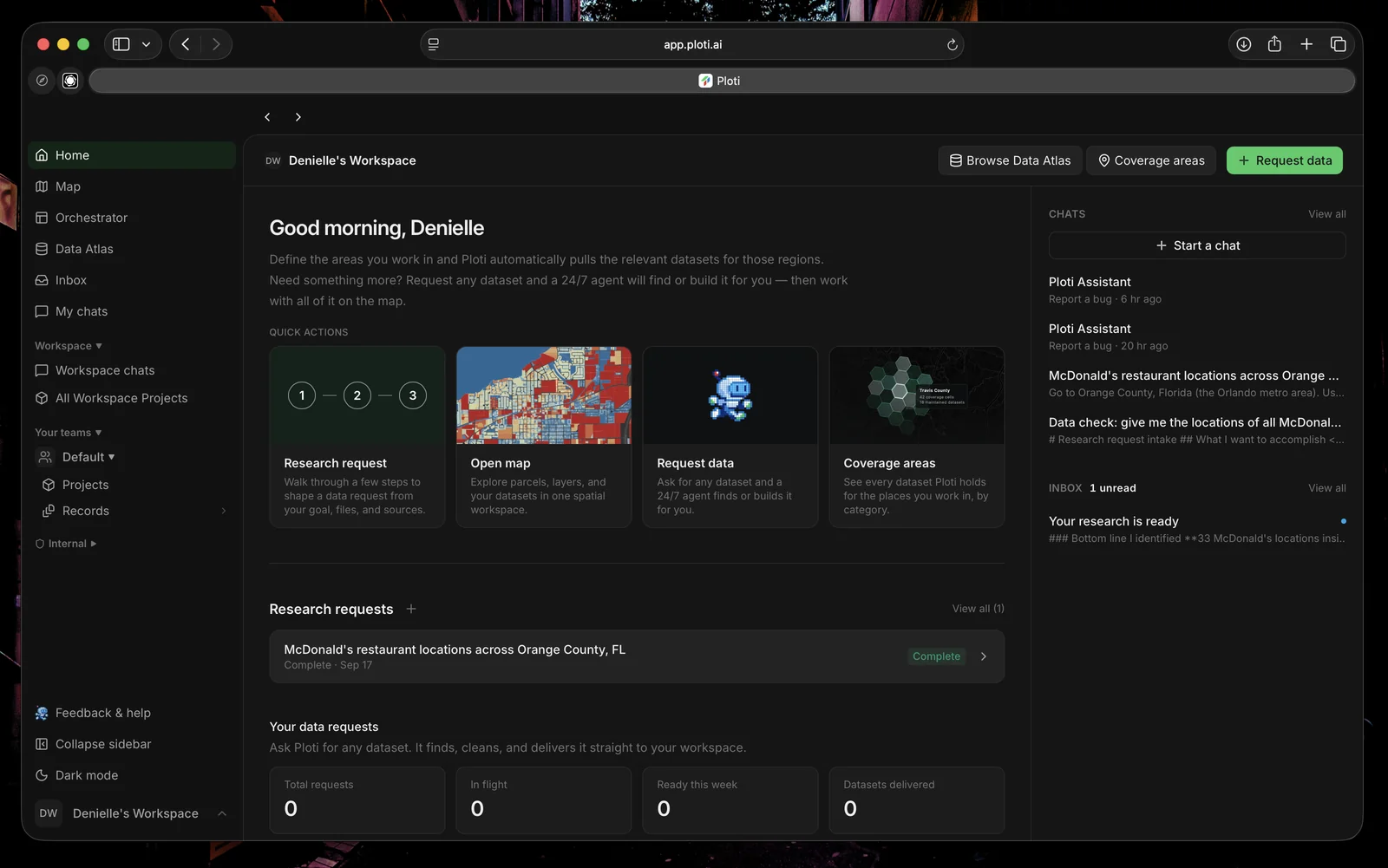
The Ploti workspace with quick actions, chats, and a completed research request.
Submit a research request
Turn a real estate question into a structured research brief
Connect with MCP
Use Ploti data and maps from Claude, ChatGPT, Gemini, Cursor, Claude Code,
or Codex
Real World Examples
Start from practical real estate research briefs
Explore results on the map
Open research layers, tables, and records in the shared map workspace
What You’ll Learn
These docs will help you get the most out of Ploti:- Research requests — Give Ploti a goal, geography, decision criteria, documents, and source links
- Data readiness — See which workspace datasets can answer the request and which gaps Ploti found
- Research results — Work with maps, tables, documents, checkpoints, saved queries, and downloadable files
- Workspace organization — Turn useful findings into records, saved views, and projects
- MCP — Bring Ploti data and interactive outputs into a compatible AI assistant