
From signup to your first result
Create your account
Go to app.ploti.ai and sign up with Google or email. Email sign-in uses a secure, one-time magic link instead of a password.Create your workspace
A workspace is your organization’s home in Ploti. It contains members, billing, datasets, research requests, records, projects, and saved outputs.Define your coverage
During setup, tell Ploti where your organization works. Coverage areas help Ploti prepare relevant datasets and evaluate future research requests. Coverage does not limit where you can ask questions. It gives the workspace a useful starting point for data readiness.Submit your first request
Choose Create research request and complete the intake:1
Describe the goal
Explain what you need to learn, the relevant market or geography, the
decision you are making, and any must-have criteria.
2
Add documents
Optionally attach PDFs, Word documents, spreadsheets, data files, images, or
an existing brief. Files can be up to 100 MB each.
3
Add sources
Optionally add public URLs and a note about what Ploti should look for on
each source.
4
Submit the request
Ploti creates the request and begins checking your workspace data against
the goal.
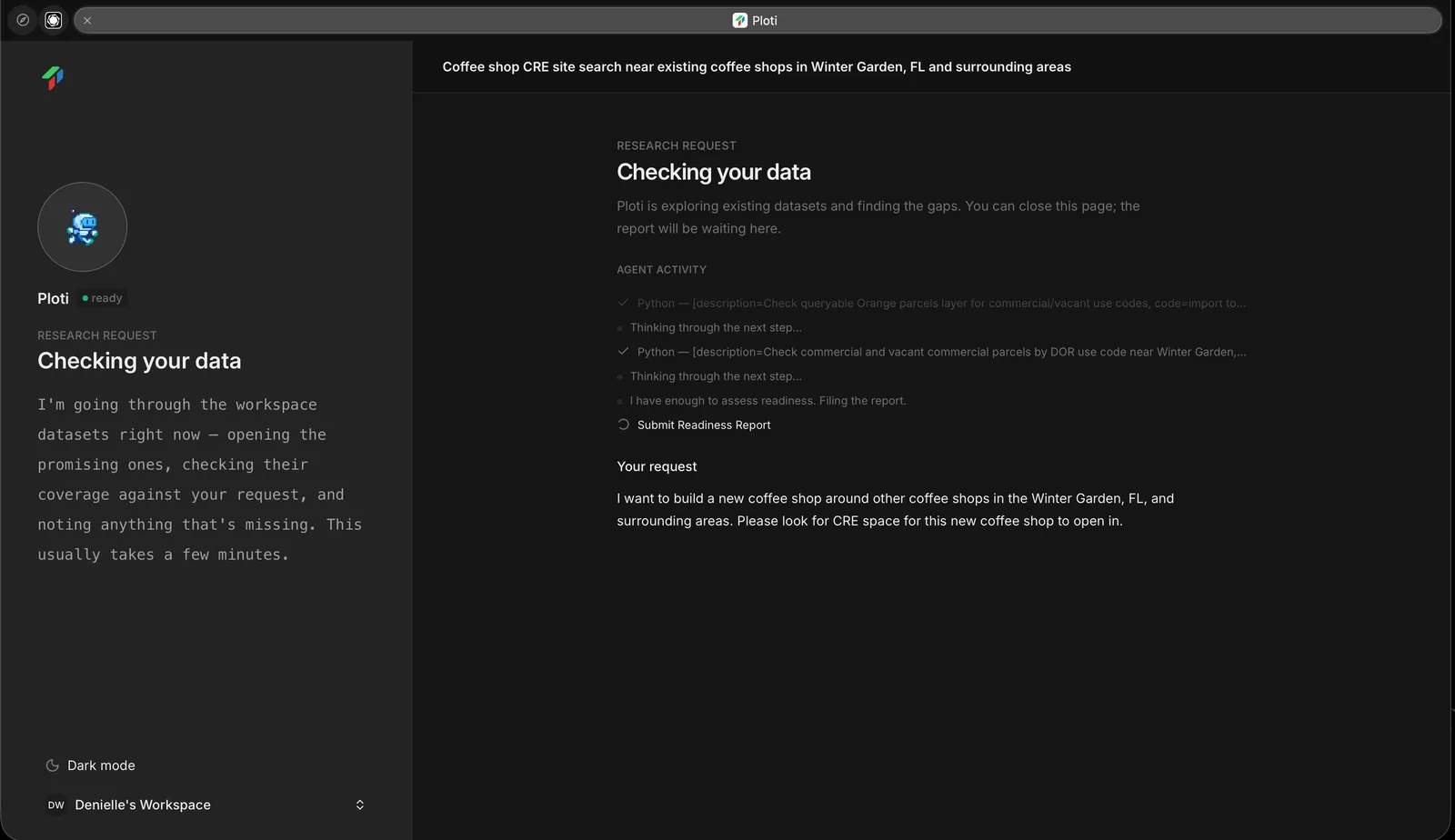
Ploti checks available data for a submitted coffee shop site search in Winter Garden, Florida.
Review the data check
Ploti reports which datasets are ready and which gaps could affect the answer. If Ploti asks a clarifying question, answer it directly on the request page. You can then:- Start research with the available data
- Request missing data and let the full run begin when it arrives
- Run an interim analysis while data agents collect the remaining datasets
Open the completed work
You can close the page while research runs. Ploti emails you when the result is ready. Open the request to review its summary and artifacts, then open any map layer, table, document, or saved query.Invite your team
From workspace settings, invite colleagues and organize them into teams when you need regional, departmental, or project-based access.Next steps
Write a stronger request
Learn what context improves the research.
Use the results
Move from the completed request into maps, tables, and records.