
Forget Where to Click
With traditional software, you have to know where to click to discover features. You dig through menus, hover over icons, and hope to stumble on what you need. With Ploti, just ask. The AI agent is your interface.Ask Questions
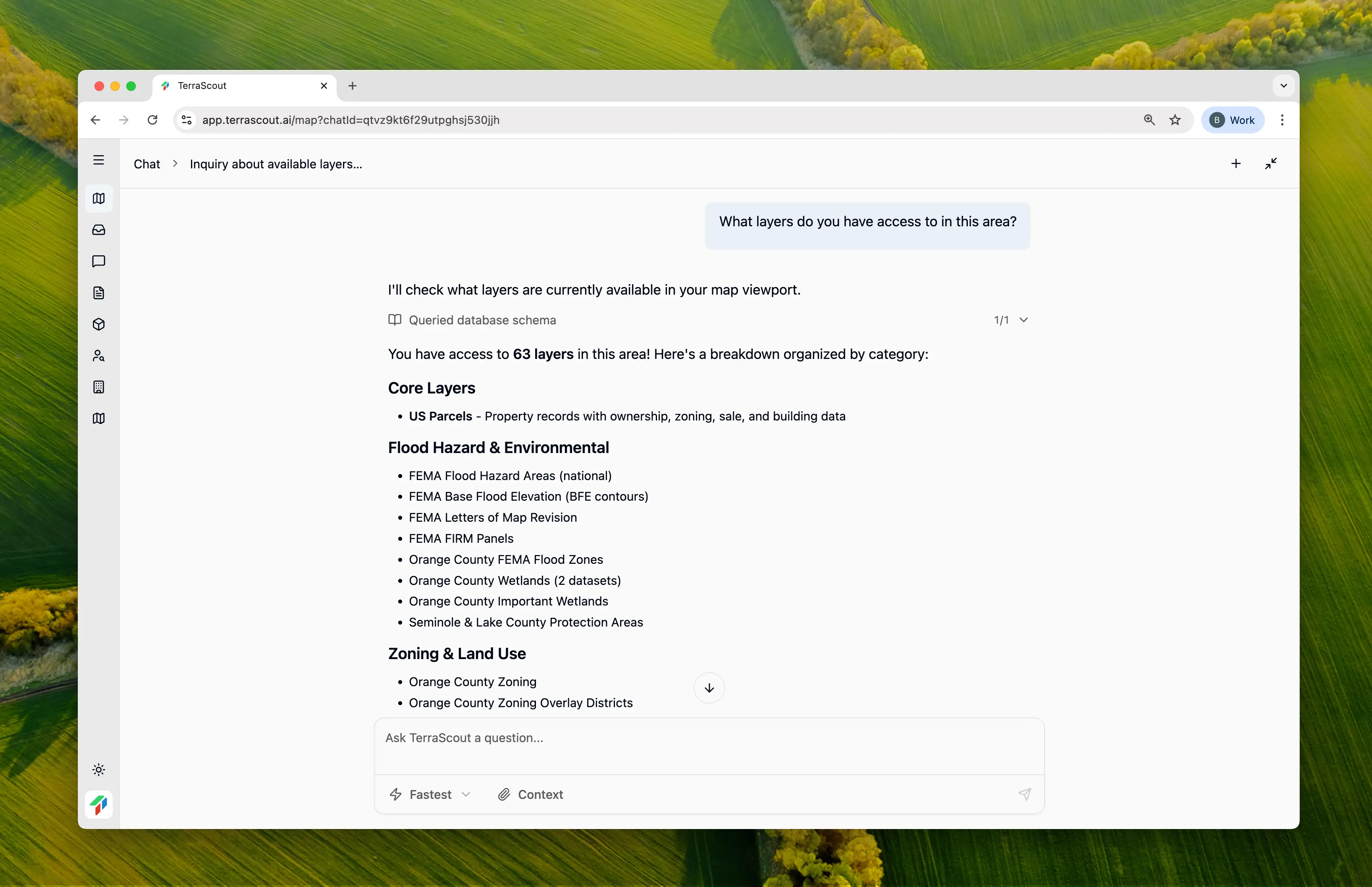
The best way to use Ploti is to ask questions. Think of it as a conversation with a knowledgeable colleague who happens to know everything about land data, zoning codes, and your market. Here are some examples:- “What layers do you have access to?”
- “What can I do to find residential properties?”
- “How do I filter by lot size?”
- “Can you help me find parcels zoned for multifamily?”
Have a Conversation
Ploti remembers context within your conversation. You can build on previous questions:- “Find me residential parcels over 5 acres in Orange County”
- “Now filter those to only show vacant land”
- “Which of these are near major roads?”
Give Feedback
The AI won’t always get it right on the first try. That’s okay. Tell it what’s wrong:- “That’s not quite right. I meant residential zoning, not residential land use.”
- “Can you expand the search area? I need more results.”
- “Remove the parcels that already have structures.”
When in Doubt, Ask
If you’re confused about something, ask the agent:- “What did you just do?”
- “Why did you filter out those parcels?”
- “Can you explain what FLU mismatch means?”
Next Steps
Account Setup
Set up your workspace and invite your team