

Two ways to build
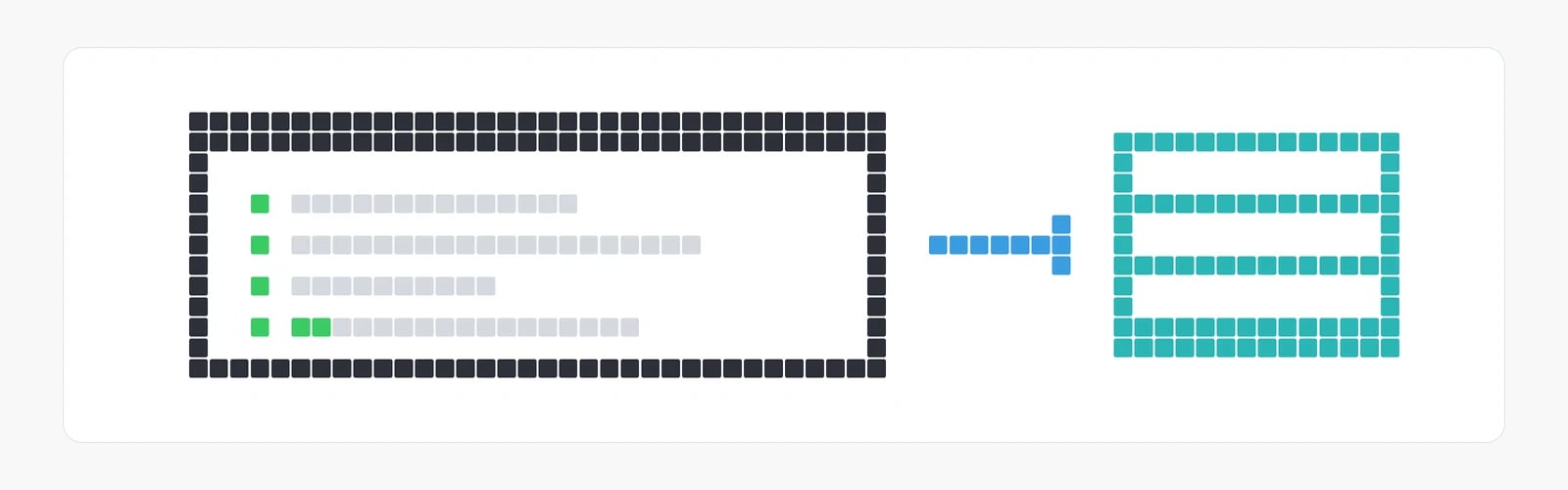
Ask one question to choose: does the data have to live in your own system and stay current there?- Own the data. Subscribe to the places and topics you want, download every dataset in them, and keep your copy current with Data Feeds, which delivers each new version as its source changes. The records you receive are yours to keep. Data Feeds comes with every Ploti plan. Start with How it works.
- Query Ploti directly. Search Ploti’s datasets and documents and read what each question needs, where Ploti keeps them, or download one dataset at a time. Without Data Feeds, staying current means downloading a dataset again. Start with Find datasets.
orange-parcels or ds_orange_fl_building_permits. Ids come in more than one shape, so use each exactly as Ploti gives it.
What people build
Own the data: Data Feeds
Data Feeds delivers whole datasets to your own database and sends each new version as the source changes. Every version says which records were added, changed or removed, and each record keeps the same id from one version to the next whenever Ploti can match it, so you can join it to your own data.- A deal-sourcing platform. An app scores every parcel in the counties it serves for redevelopment potential. Its scoring runs each night in its own database, joined with its own data, so it needs every parcel, sale and permit locally. Each new version lists the records that changed, so it scores only those again.
- Lender or insurer monitoring. A loan or policy book is checked against flood zones and ownership transfers. When a new version arrives, its list of changed records names the properties to review, and the record id ties each change back to the loan.
- A brokerage CRM. Every listing and contact in the CRM carries the owner, the last sale and the assessed value. The agents see these records inside the CRM, and the data stays after the subscription ends.
- A data team’s warehouse. County parcels sit next to the firm’s own deal history in Snowflake or BigQuery, for dashboards and models. A scheduled sync writes each new version as Parquet files, a table format most data tools read, and the team’s models load them.
- An alerts product. “Tell me when anything near my sites is rezoned or gets a permit.” Answering it means comparing each version with the last across a whole region, which needs a full copy.
Query Ploti directly
Your code or agent asks Ploti for what it needs, when it needs it. Ploti holds the data, keeps it current and does the searching, and you show the answer however your product does.- One-off analysis. An analyst downloads a county’s parcels once into a Python notebook, joins them with a spreadsheet and writes a memo. It needs no Data Feeds subscription, and nothing has to stay current.
- A simple internal tool. A page in your team’s internal app shows a parcel’s owner, zoning and permit history when someone types an address. Each view is one call, and there is nothing to keep in sync.
- An always-on assistant answering a broker. “Who owns 123 Main St, and what did they pay?” in a team chat is one lookup by address, answered in seconds.
Using both
Many products use both. Data Feeds keeps a platform’s main parcel and permit tables current in its own database. Its built-in assistant queries Ploti directly to answer one-off questions, and to search the text of documents such as ordinances and meeting minutes, which Data Feeds delivers only as files. When Ploti doesn’t hold the data a question needs, a research request asks Ploti to collect it from the official sources.Using the data
What you may do with the records, in brief, from Using the data:- You may load them into your own systems, show them to your users inside your product, let your users export the results they work with, and analyse, enrich and combine them. You may sell what you build: apps, alerts, maps, scores, matching and agents.
- You may not offer the records, or a lightly altered copy, as a dataset, feed, download or API of their own, give them away or sell them as a standalone product, or pass Ploti’s feed straight through to others.
Four interfaces, one set of operations
Every page shows the same example four ways, in the column on the right. All four reach the same operations under the same names:
Setting up an AI assistant such as Claude Code or ChatGPT instead of writing code? See AI agents.