Define your
Ploti OS with records
Every workspace can define the record types, properties, relationships, and saved views it needs. Ploti agents can then reason across those business objects and the map data behind them.

Define the records your workspace tracks
Start from industry templates like land acquisition, homebuilders, data centers, brokers, retail, and more, then customize the record types and properties around your team.
Build out Ploti OS your way
Group sites, owners, parcels, permits, tasks, and any custom business object by the workflow stage your workspace actually uses.
1Query views
2Group records
3Build UI
Ask agents questions across your business
Agents can query saved record views to answer pipeline questions, generate live KPIs, group records, and build custom dashboards from your business objects.
 Record location
Blend record analytics with map data
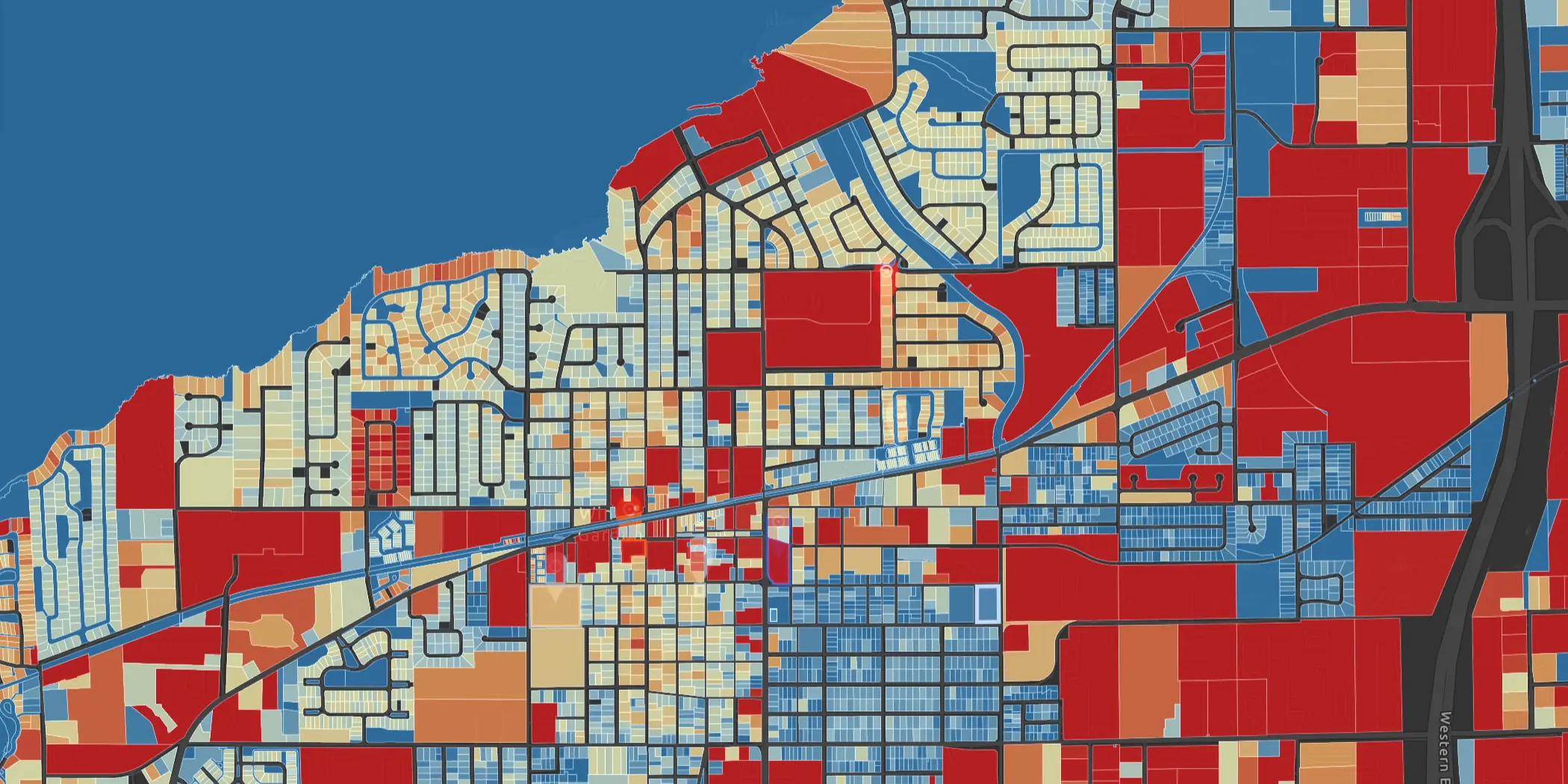
Tie each record back to parcels, layers, map-agent sessions, and permitting signals so Ploti can reason across both your business and geospatial context.
Create the records your workspace needs
In settings, define the record types and typed properties that make up your Ploti OS. Each schema becomes filterable, viewable, and available to the agent.
Record properties
Define the schema of this workspace's records: every property is typed, indexed, and immediately filterable for you and for the agent.
lead · singular "Lead" · 12 properties