
Adding Parcels to a Lead
During Lead Creation
- Select one or more parcels on the map
- Click Create Lead
- Selected parcels are automatically included
- Review parcel count and total acreage in the dialog
After Lead Creation
- Open the lead detail view
- Navigate to the Properties section
- Click Add Parcel
- Search or select parcels from the map
- Confirm to add the parcel
Viewing Parcel Details
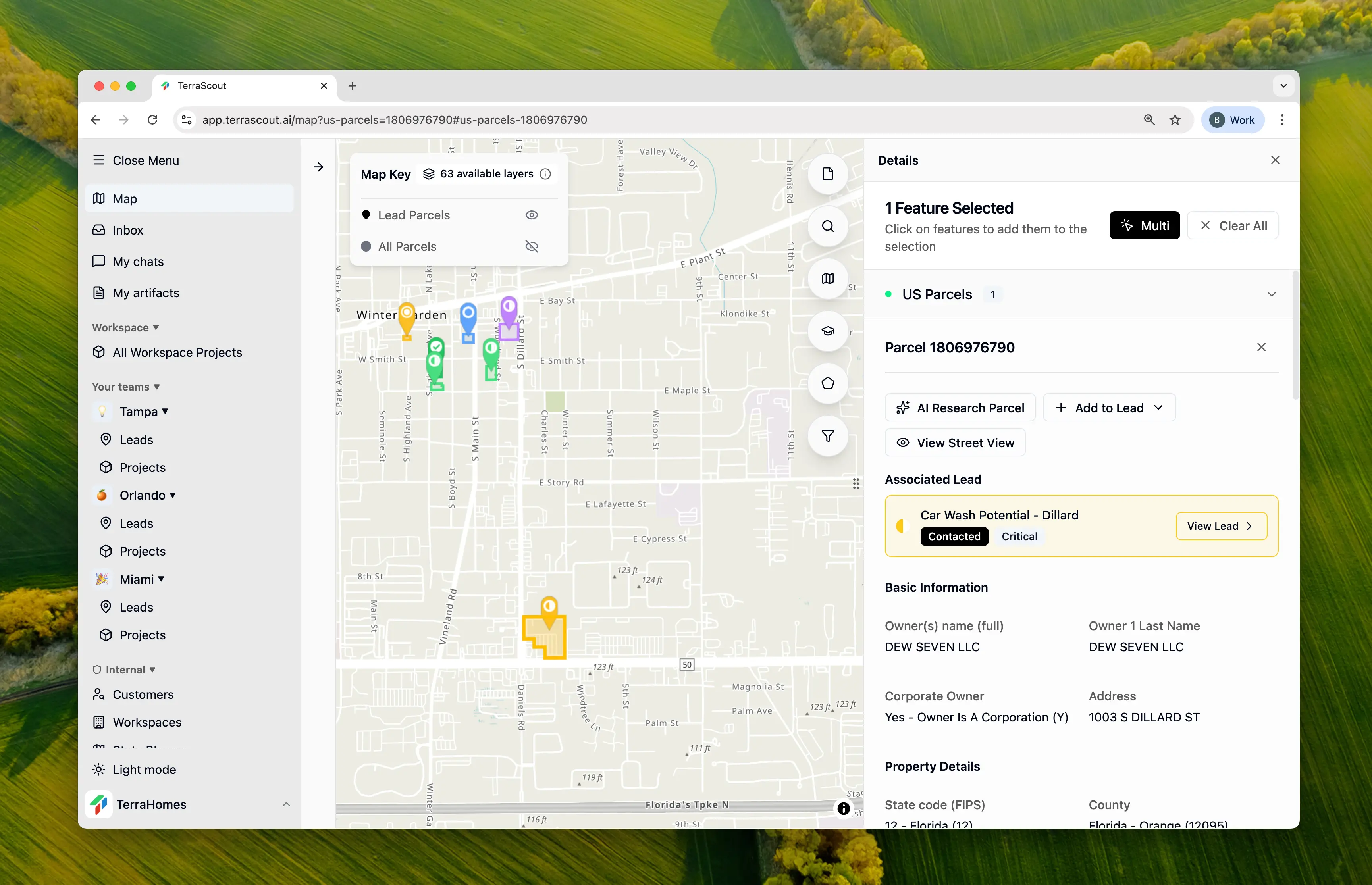
Click on any parcel within a lead to view:- Full address and location
- Parcel ID and legal description
- Acreage and dimensions
- Owner information from public records
- All available data layers for that parcel
- Coordinates (latitude/longitude)
Removing Parcels
- Open the lead detail view
- Find the parcel in the Properties section
- Click the remove button (or right-click for options)
- Confirm removal
Multi-Parcel Leads
Multi-parcel leads are useful for:- Assemblages - Combining adjacent parcels for development
- Portfolio deals - Multiple properties in a single transaction
- Phased acquisitions - Tracking related properties you plan to acquire over time
- Total Parcels - Count of associated properties
- Total Acreage - Sum of all parcel acreage
Activity Tracking
All parcel changes are tracked in the lead’s activity feed:- Parcel Added - Shows parcel ID and address
- Parcel Removed - Shows parcel ID and address
Viewing Leads on the Map
Parcels that are part of a lead are visually indicated on the map, making it easy to see which properties you’re already tracking.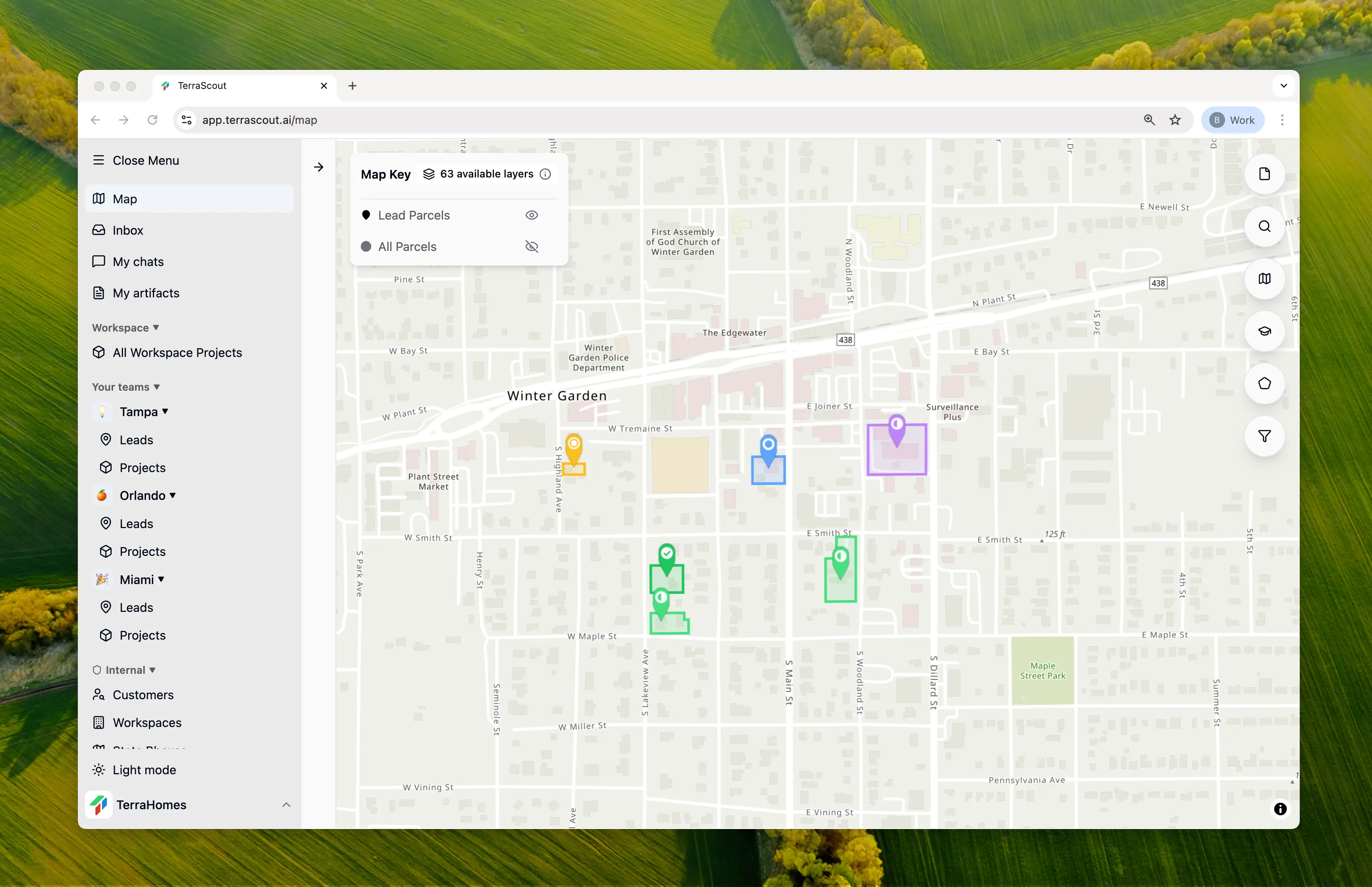
Viewing Leads for a Parcel
You can also work in the other direction:- Click on any parcel on the map
- View the Leads section to see all leads containing this parcel
- Click to navigate directly to any associated lead
Best Practices
Start with Key Parcels
Add the primary target parcels first, then expand as needed.
Review Boundaries
Use the map view to verify you’ve captured the right parcels.
Document Assemblages
Use the lead description to explain why specific parcels are grouped.
Keep It Current
Remove parcels that are no longer part of the opportunity.