
What Makes This Possible
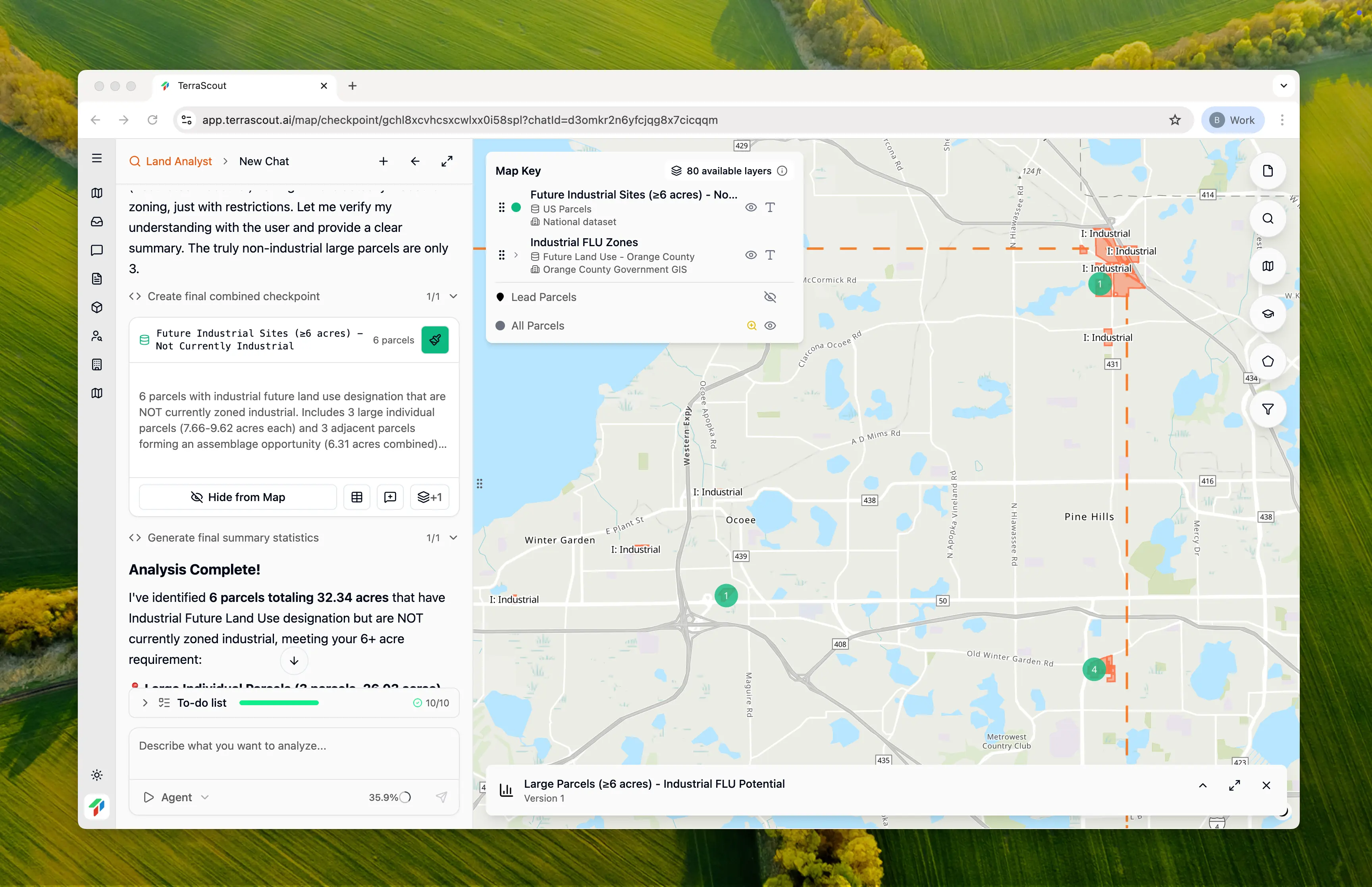
Ploti can run highly complex queries that take minutes to compute. Once the work is done, the agent saves the results as a checkpoint. You can then access that analysis instantly anytime, with qualifying parcels displayed directly on the map.An Example
Here’s a query that would be impossible on any other platform: “In this area, show me all parcels that could be zoned for industrial in the future but aren’t currently industrial. The parcels must be 6+ acres. Include land assemblage opportunities if adjacent parcels total 6+ acres together.” This query is complex for a few reasons: Cross-layer analysis: It requires comparing the Future Land Use layer against the current parcel zoning. The agent has to find mismatches where a parcel sits in an area designated for future industrial use but isn’t currently zoned industrial. Land assemblage: It needs to identify adjacent parcels and tally their combined acreage. This kind of spatial analysis has always required technical analysts writing code to solve.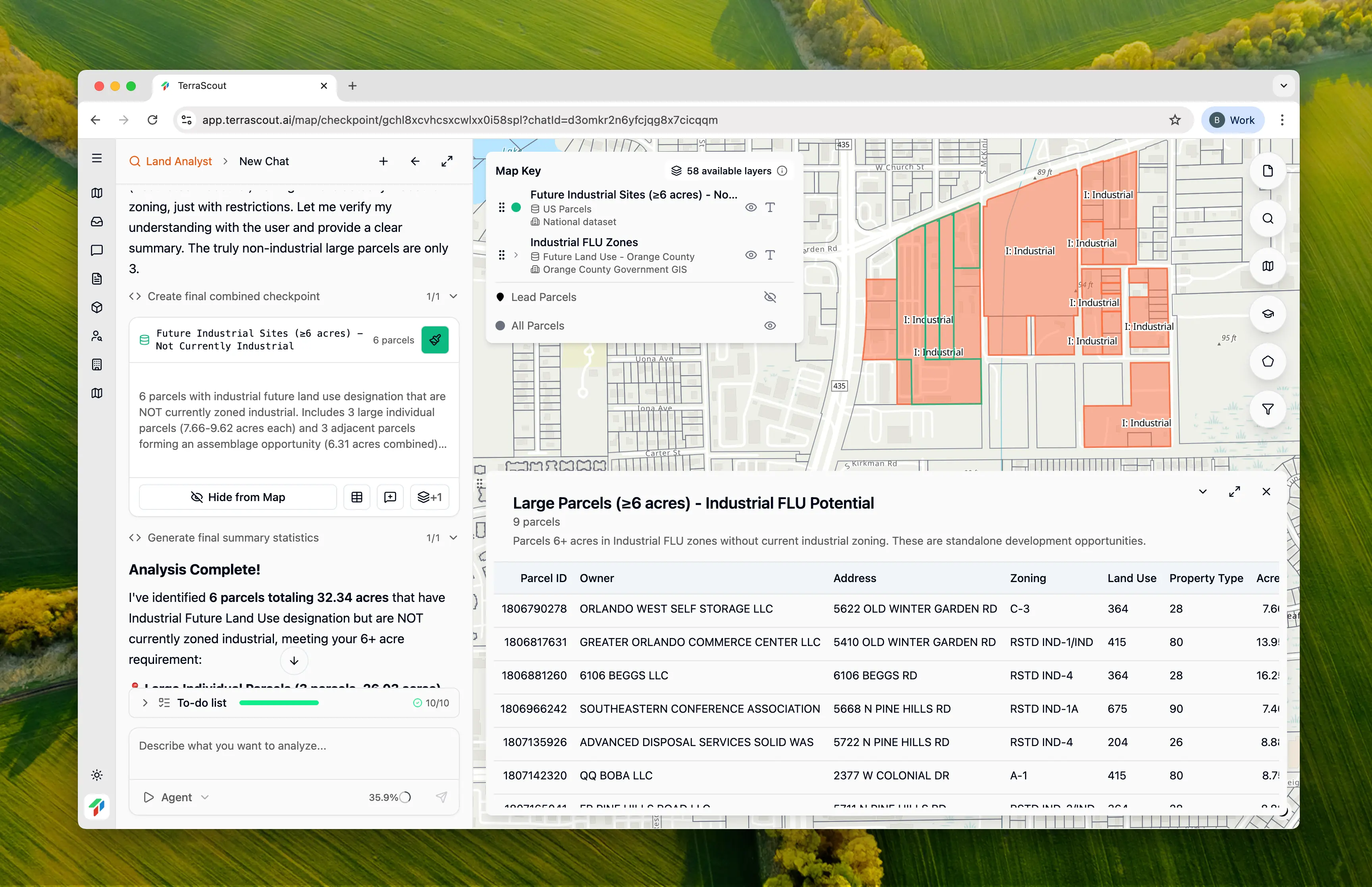
Save Once, Access Instantly
Complex queries can take time to run. Checkpoints let you save the results so you don’t have to wait again. Open a checkpoint and immediately see the qualifying parcels on your map, ready to explore.Managing Checkpoints
- “Save this as a checkpoint called ‘Industrial FLU opportunities’”
- “Show me my checkpoints”
- “Open the industrial checkpoint”