
Write the research brief
Open Research requests and choose Create research request. The intake keeps the request, supporting files, and outside sources together from the beginning.Step 1: Describe the goal
Answer four questions in the brief:- What decision are you making? Site selection, acquisition, underwriting, market entry, entitlement, outreach, or another goal.
- Where should Ploti research? Name a market, jurisdiction, corridor, address, portfolio, or other study area.
- What criteria matter? Include thresholds, exclusions, rankings, and definitions that could change the result.
- What should the deliverable contain? Ask for a map, comparison table, ranked list, memo, cited ordinance answer, file, or a combination.
Example
Step 2: Add documents
Attach any material that defines the assignment or improves the evidence:- Client or investment briefs
- Offering memoranda and site packages
- PDFs and Word documents
- Spreadsheets, CSVs, JSON, or GeoJSON
- Maps, screenshots, and images
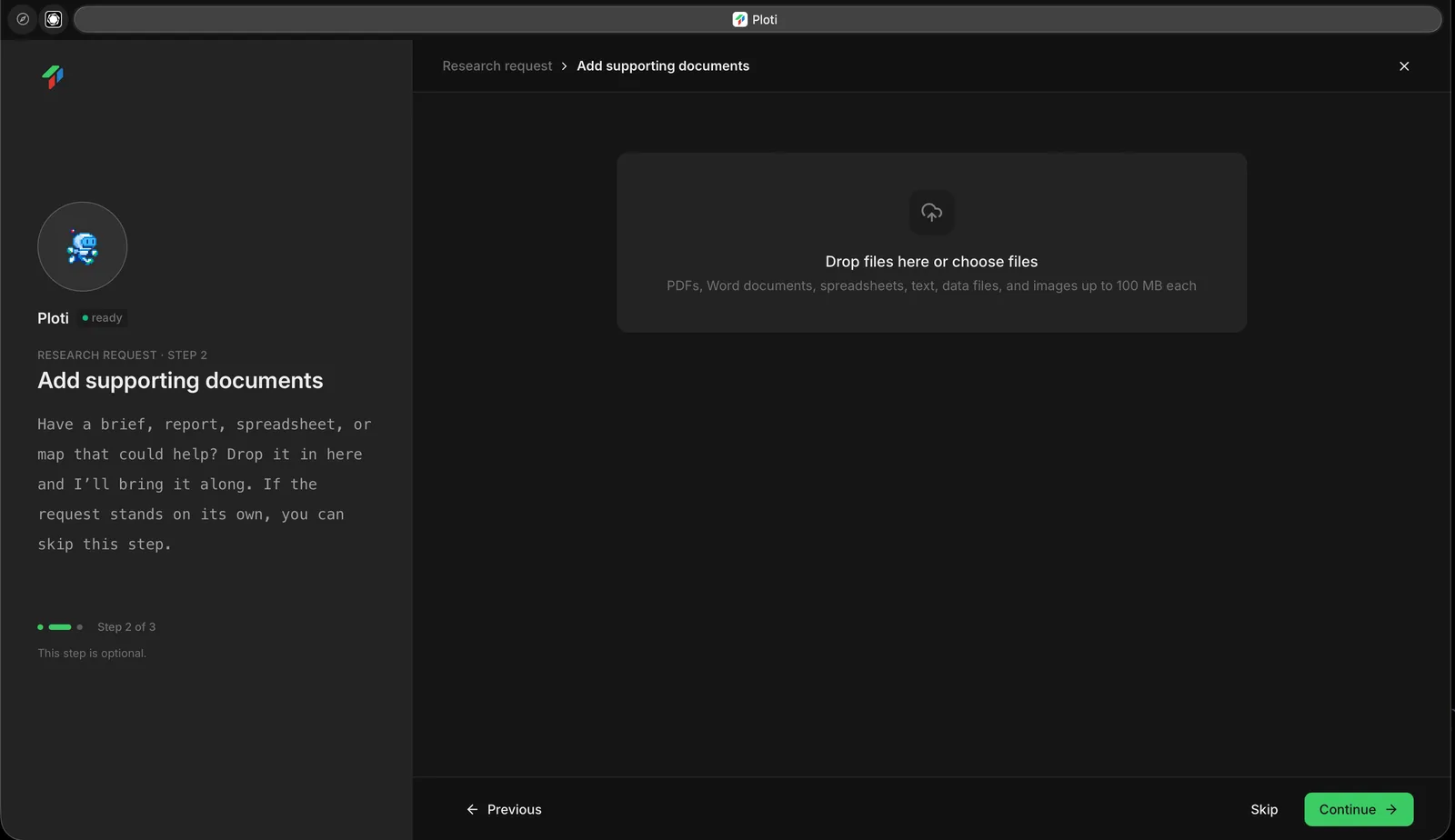
Add a supporting brief, report, spreadsheet, data file, or image, or skip this optional step.
Step 3: Add outside sources
Add public web addresses Ploti should inspect. For each URL, include a note explaining what matters—for example, a planning department page, an ordinance library, a utility service map, or a portfolio page. This step is also optional. Ploti can still locate relevant public sources during the research.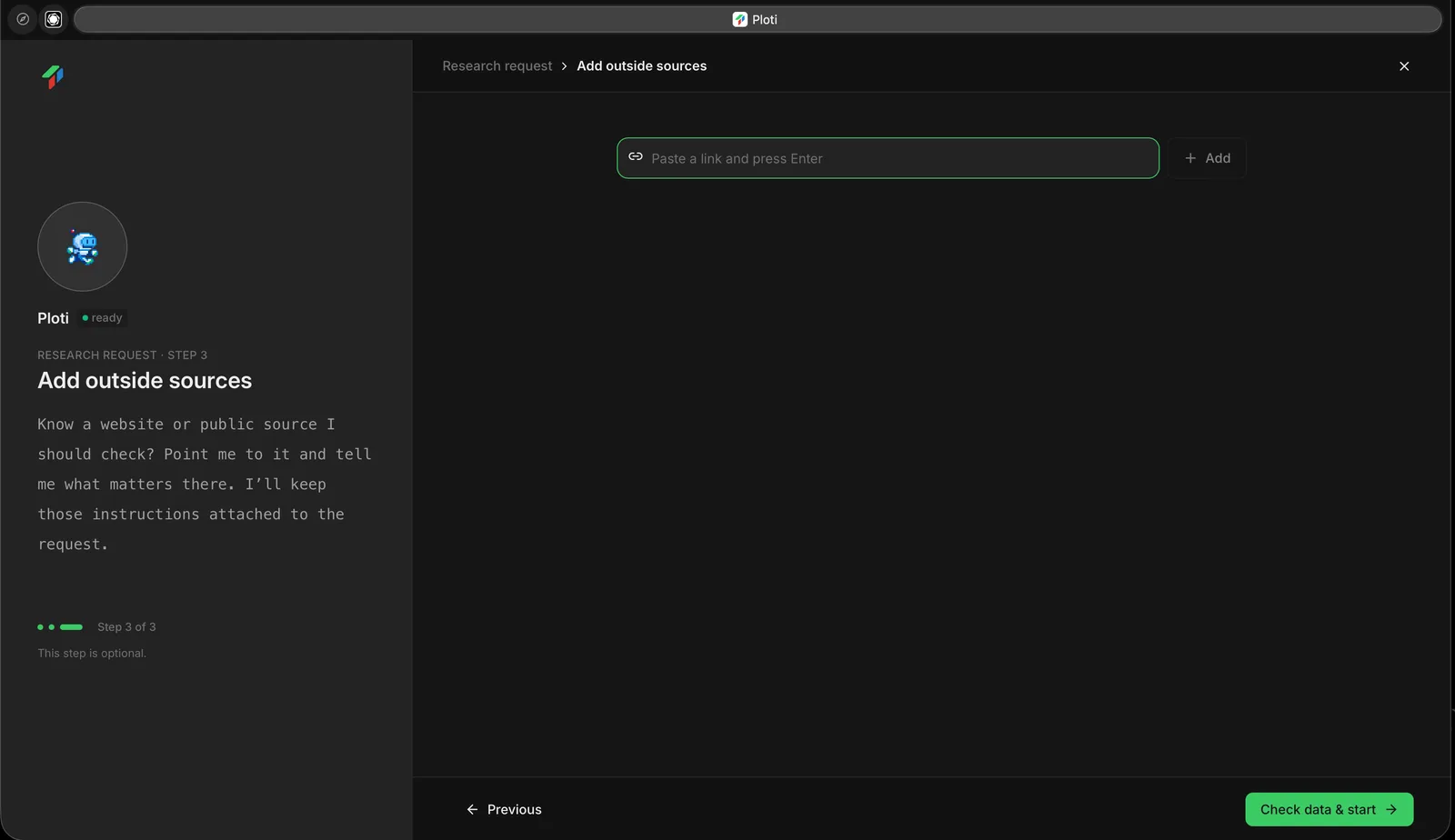
Add a relevant public URL before starting the data check, or continue without one.
Submit and leave it running
After submission, Ploti creates a request page and begins the data-readiness check. The work is attached to the request, so you can safely close the page and return from Research requests.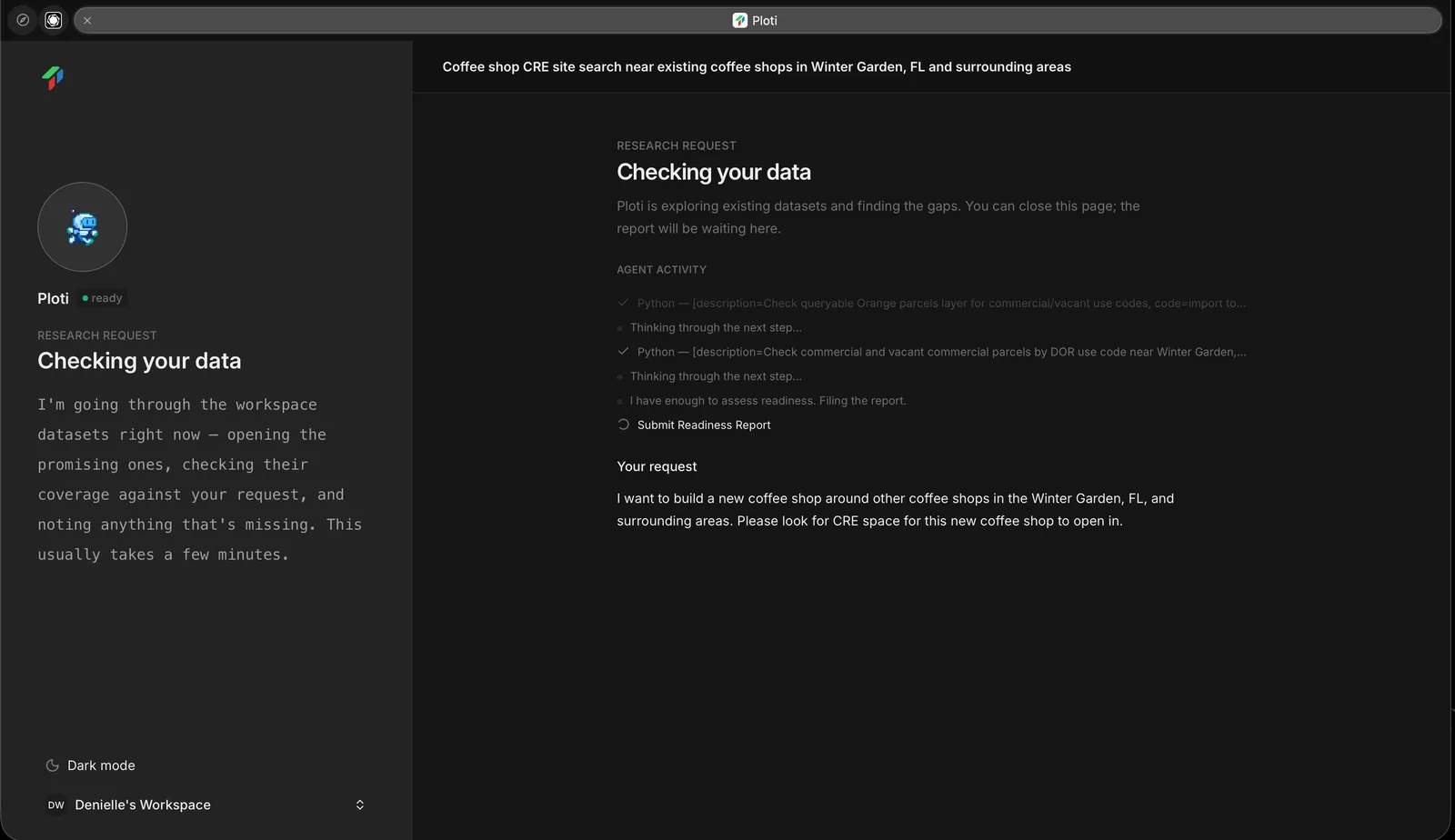
Ploti checks available data for a submitted coffee shop site search in Winter Garden, Florida.
Next step
Data readiness
Learn how Ploti evaluates available data and handles gaps.